

LEARN BASIC OF TERMUX
BY NISARG ZAVERI || 08 DECEMBER 2018
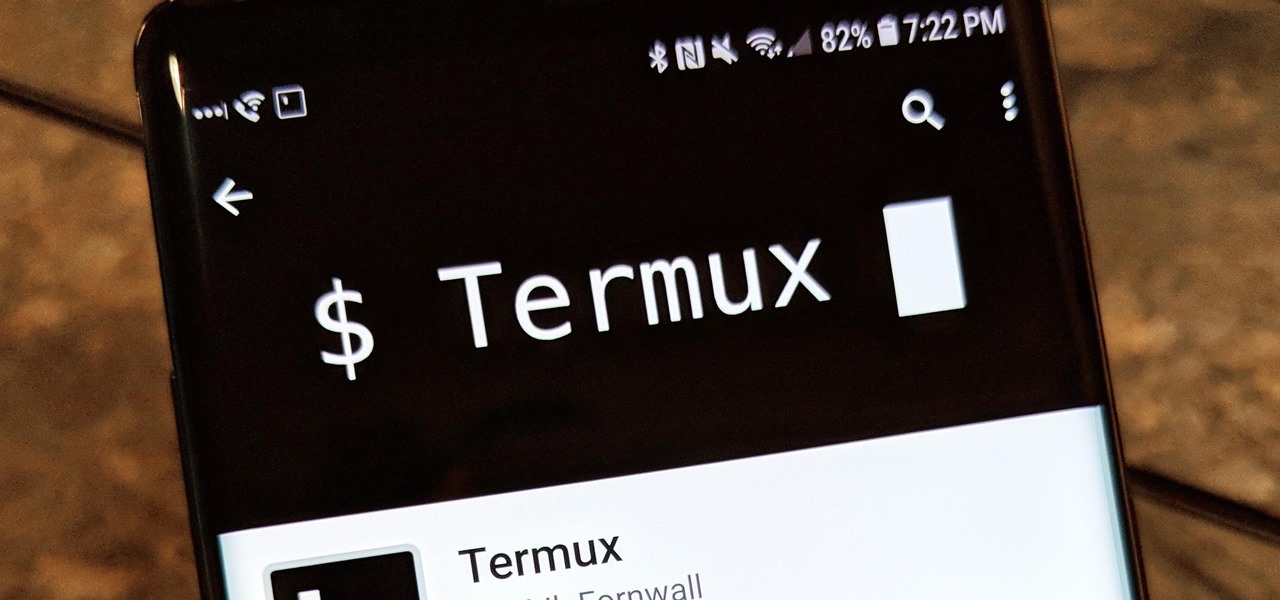
What is Termux ??
- How To Use Termux An Android Emulator With Linux Commands, All Termux Commands You Need TO Know
- Alright, so you want to learn how to operate Termux And what are the commands used in termux to perform
- different tasks, so you are at right place in this post i will be telling you about all the termux command
- which are generally used in day to day life to operate termux. Before getting straight into the point let me
- tell you a little about "Termux" what it actually is and what all can we do with it, so termux is just an android
- emulator which provides virtual linux environment that some people think that it is better than a linux OS distro or
- equal to linux OS which is not true both are two different things which we may be talking some other time, termux is
- just ment to run and test scripts, files as well as to get an certain idea how linux operating system is operated.
- for an overview on how different commands work i have made a simple video which you all can watch below.
This post is an introduction to one of the best FOSS software available on Android: Termux
- It’s way more than a simple terminal emulator, in fact it’s a mini Linux distribution with its own package manager, a growing repository with tons of applications (you can also compile software by yourself btw).
- As you can see there are plenty of software to make your android smartphone a great alternative to laptops or desktop PCs.
- Also mind that you can connect a keyboard (and mouse if needed) either bluetooth or via a OTG adapter (check this post about it).
- This is a great alternative when considering the difference in Watt usage if comparing a smartphone to a desktop PC
Now let’s talk a bit on how to manage all these packages:
- To list all the available commands type:
pkg
orpackages
then press enter, all these arguments can be passed to manage the applications
- To search for packages rune:
pkg search
for example to search for a text editor:pkg search editor
- To install a package run:
pkg install
or even shorter:pkg i
for example to install tmux, ffmpeg and gnugo:packages i tmux ffmpeg gnugo
- To remove a package:
pkg uninstall gnugo
- To upgrade all the packages run:
pkg upgrade
you can also upgrade just specific package(s)pkg upgrade vim emacs
- To list the installed packages run:
pkg list-installed
~~~~~~~~~~~~~~~~~~~~~~~~~~~~~~~~~~~
All Termux commands :_
here Termux commands are divided into many categories as follows
1) cd [change directory commands]
cd = change directory
cd / = change to root directory
cd - = move one directory back from where you are now
cd ~ = move to users home directory from anywhere
cd .. = change current directory to parent directory
cd -- = show last working directory from where we moved.
pwd = it shows your current working directory
||||||||||||||||||||||||||||||||||||||||||||||||||||||||||||||||||||
2) Basic Networking Commands
ifconfig = shows configuration a network interface.
ifconfig = for check your local ip,mac, or display the current network interface information
ifconfig -a = display the configuration of all interfaces,both active and inactive
ifconfig eth0 = used to view the network settings on the interface eth0
ifconfig wlan0 = used to view the network settings on wlan0
ifconfig eth1 up = used to active the network interface eth1
ifconfig eth1 down =used to Deactive the network interface eth1
ifconfig wlan0 down = Deactive the network interface wlan0
ifconfig wlan0 up = active the network interface wlan0
ifconfig wlan0 netmask 225.225.225.0 = to use the network mask 225.225.225.0 in wlan0 network interface
~~~~~~~~~~~~~~~~~~~~~~~~~~~
- As you can see Termux has nothing to envy to a Linux distibution.. Sure it lacks a huge amount of software but still many things can be done with it.
- And btw this is a killer application for anyone who has no PC or is constantly on the road.
- Here you can learn bash and many other UNIX and GNU/Linux basics that work the same way in a full feature GNU/Linux, BSD or even on OSX.
With the difference that you can easily carry all this in your pocket!


2 Comments
This comment has been removed by the author.
ReplyDeleteThis comment has been removed by the author.
ReplyDelete